AI chats
An assistant that remembers her
Most reply tools forget everything the moment you close the app. An AI chat in Rizzky keeps what it's learned about one specific conversation and carries it forward.
Built for one person, or no one in particular
Personalised, on your terms
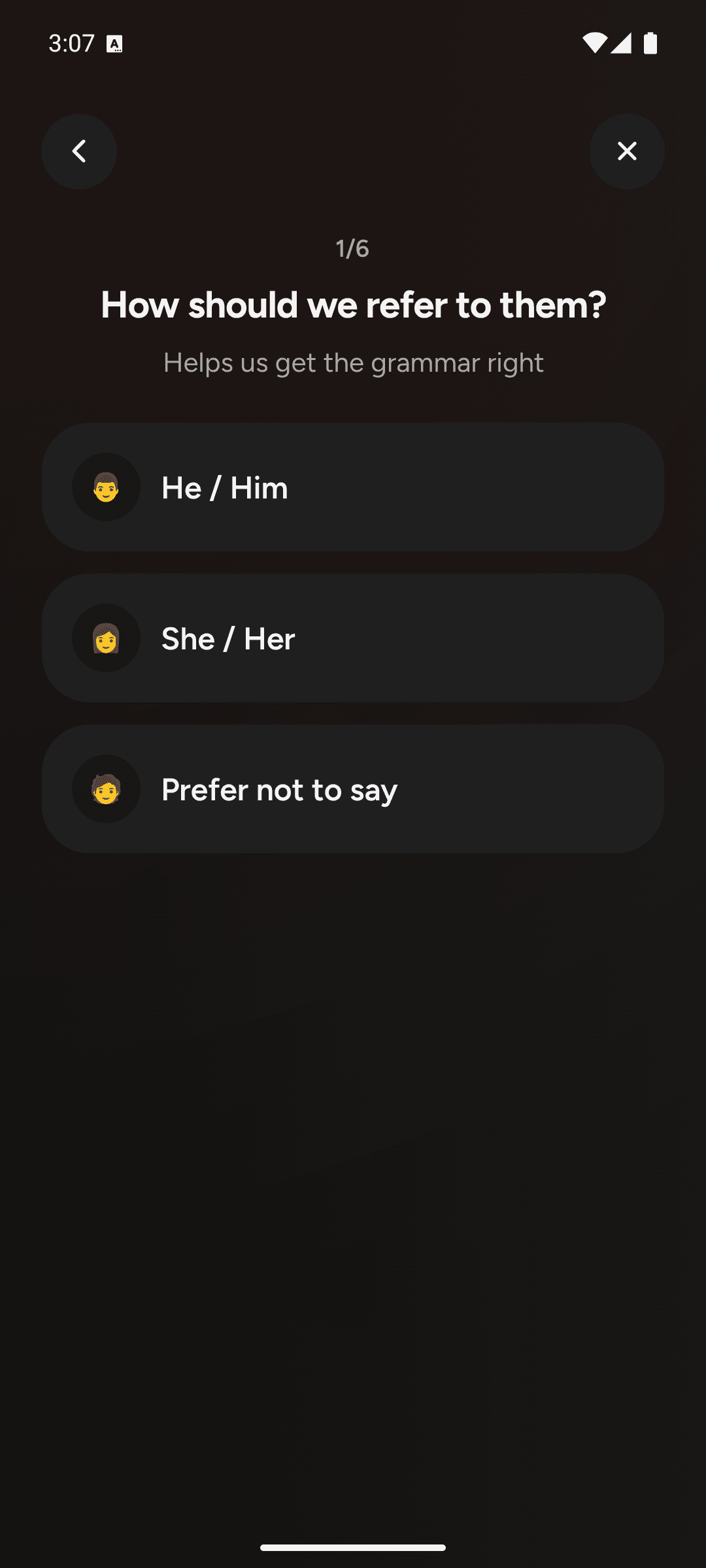
Setting up a chat for someone specific walks through pronouns, relationship, name, goals, style and interests. That's six short steps, and you only do it once. Or skip all of it with a Universal chat that starts immediately.
- Remembers the last screenshot reading for that person
- A real chat thread you can ask anything about the situation
- Universal chat needs zero setup if you just want general coaching
Getting started
Empty by design, until you build one
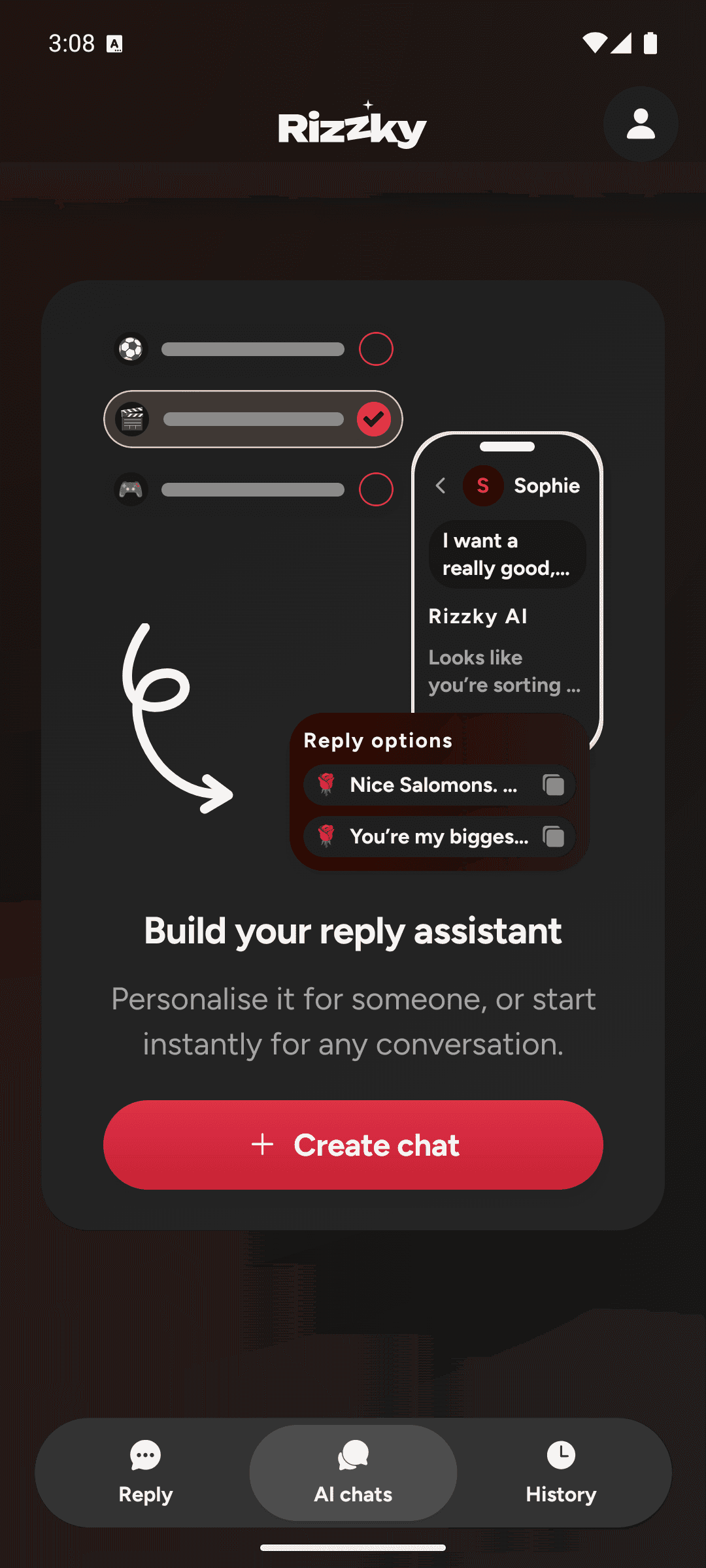
The AI Chats tab starts empty on purpose. Every assistant in it is one you set up yourself, so there's no default cast of characters to scroll past.
- One primary action: create your first chat
- Every chat you build shows up here, ready to reopen anytime
Know what to say. Every time.
Upload your first screenshot and see the reply Rizzky writes for you.
App Store and Google Play links will go live here once Rizzky launches.